
Help · Guide
Invite your team and set roles
Bring teammates into a brand workspace and control exactly what each person can do.
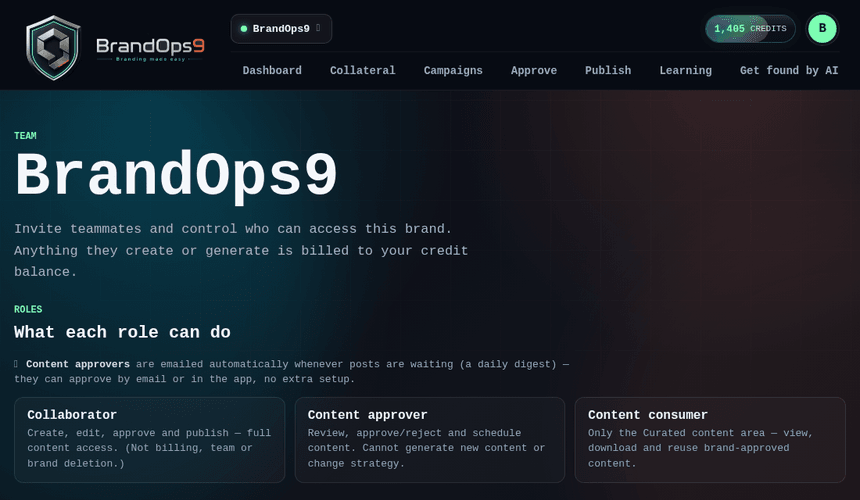
Invite teammates
From the Team page, invite people to a brand by email. They join that brand's workspace with the role you choose.
Roles and what they can do
- Collaborator: generate and edit content.
- Approver: approve and schedule content.
- Consumer: read-only access to approved content (great for stakeholders who just need to see what's going out).
Manage access over time
Change a member's role or remove them at any time. BrandOps9 also runs a periodic access review so stale access doesn't pile up.