
Help · Guide
Schedule posts and the publishing calendar
Set your cadence, place approved posts on the calendar, drag to reschedule, and understand auto vs manual publishing.
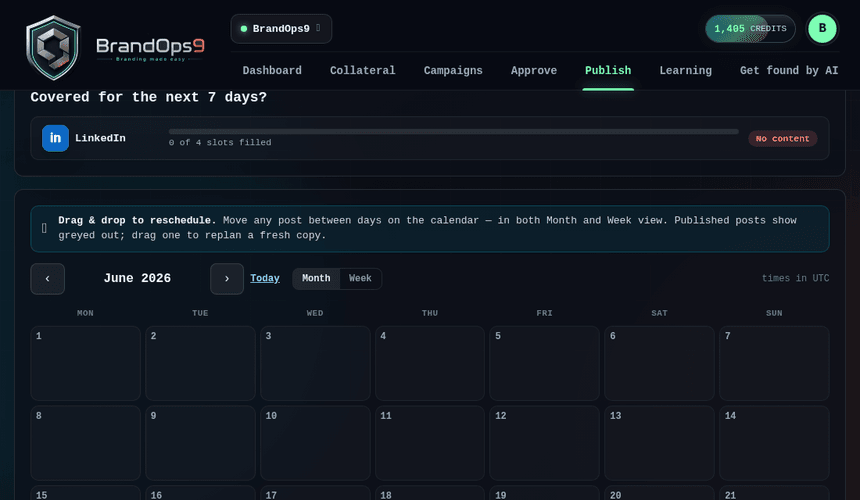
Your posting plan
The Publish page is your calendar. First set your cadence (how often you want to post on each platform) so BrandOps9 knows how many slots to keep filled.
Schedule and reschedule
Approved posts drop into the next open slots, soonest first. Open any post to set or change its time, and drag posts between days on the month or week calendar to reschedule.
Auto vs manual publishing
Posts on platforms you've connected publish automatically at their scheduled time. Posts on platforms you haven't connected become manual reminders: we email you the asset 30 minutes before; you post it and mark it done.
Remove vs reject
From a scheduled post you can re-time it, “Plan again”, “Remove from calendar” (takes it off the calendar but keeps it approved and re-schedulable), or “Reject” (kills it; you'd Modify it into a new version to use it again).