
Help · Guide
Notifications and digest emails
Choose which emails BrandOps9 sends you, when they arrive, and who else gets copied.
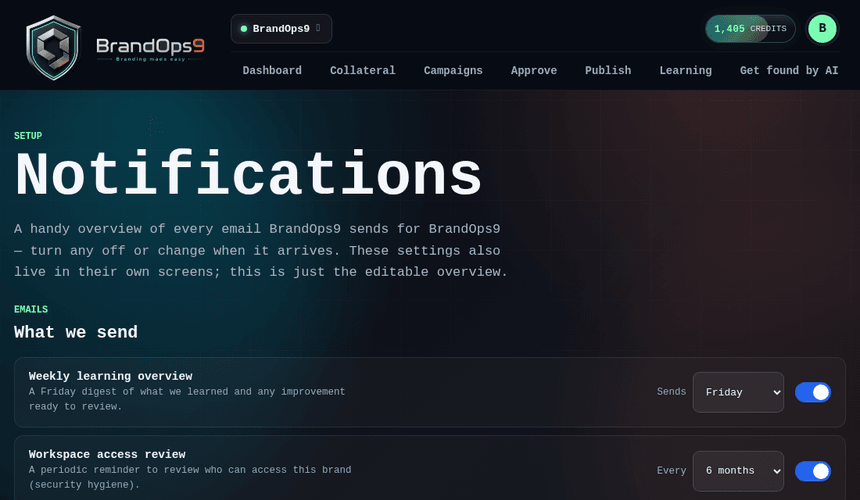
Stay informed without noise
From the Notifications page you choose exactly which emails you receive for a brand, and when, so you stay on top of what matters without an inbox full of noise.
The emails you can turn on
- Approval digest: what's waiting for your review.
- Manual-post reminder: sent ~30 minutes before a post you publish by hand.
- Weekly learning summary: what worked last week and what to improve.
- Low-content alert: when your upcoming queue is running thin.
- Workspace access review: a periodic reminder to recheck who has access.
Configure timing and recipients
Toggle each email on or off, set the day or time for the scheduled ones, and add extra CC addresses so the right people are kept in the loop.