
Help · Guide
Advanced: run several brands from one workspace
Manage multiple brands side by side, each fully isolated, and switch between them in a click.
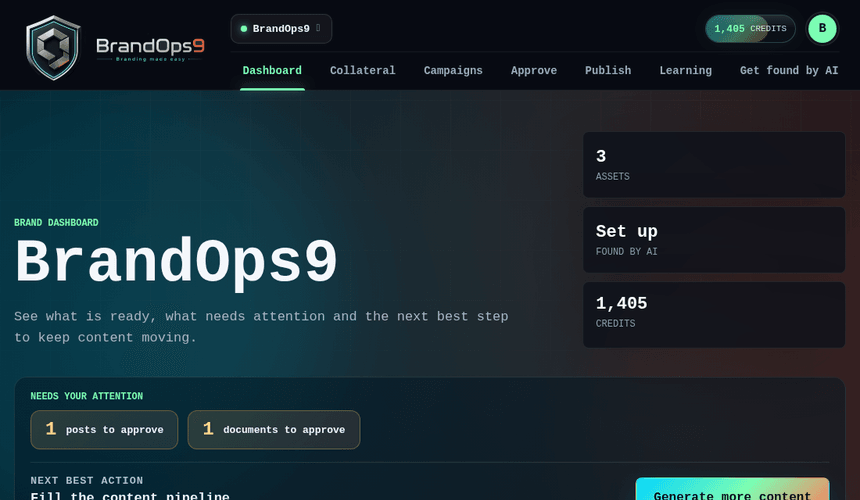
Many brands, one login
BrandOps9 is built for managing more than one brand: agencies, holding companies, or anyone running several products. Each brand is its own world: its own profile and strategy, its own content, campaigns, schedule, connections and learning. Nothing bleeds across.
Switching brands
The brand switcher in the top bar moves you between brands instantly, and the app remembers which one you were last in. Everything you see (the dashboard, approvals, the calendar) is always scoped to the brand you've selected, so there's no risk of posting one client's content under another.
Adding and sharing brands
Add a new brand any time by pasting its website, and share individual brands with specific teammates (with a role per share) without giving them access to the rest. That's what lets a team divide brands cleanly while still collaborating where it matters.