
Help · Guide
Share a management report
Give management or a client a live, on-brand results report through one link, without an account.
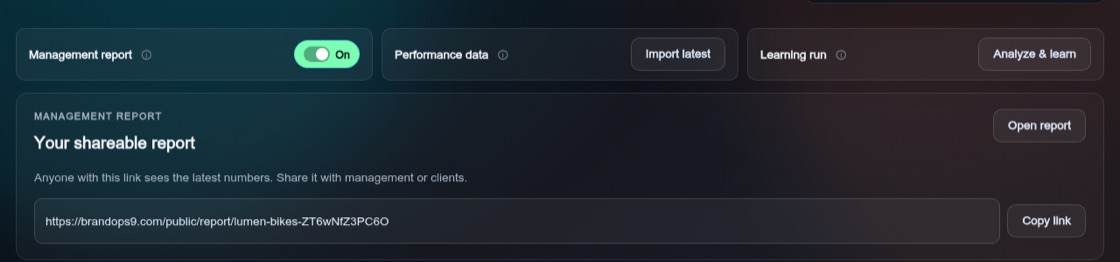
Switch it on
Turn on "Management report" on the Dashboard or the Learning page. A card "Your shareable report" appears with "Open report" and "Copy link".
What is in it
The report is in your brand's colours, font and logo. It shows the reporting period, headline results, a breakdown per platform and your best posts, built from real platform results. Anyone with the link can open it without signing in, and it stays up to date.
Stop sharing
Switch "Management report" off and the link stops working straight away.