
Help · Guide
The learning loop: content that improves
How BrandOps9 imports real engagement, turns it into lessons, and proposes a sharper content prompt you approve in one click, with rollback.
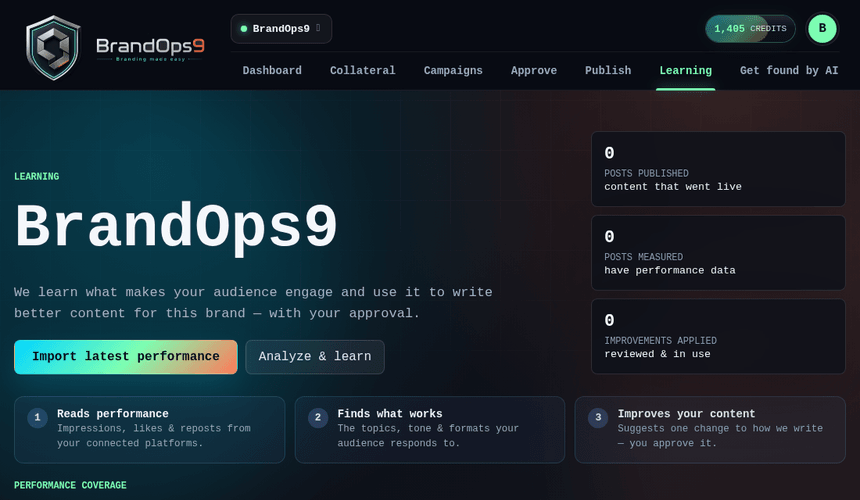
How learning works
The learning loop closes the gap between what you publish and what actually performs. BrandOps9 pulls real engagement from your connected platforms, reflects on what worked and what didn't, and proposes a sharper version of your content prompt that you approve.
It's honest about coverage: where a platform's API can't share metrics, it says so rather than guessing.
See your metrics
Open Learning from the brand menu. You'll see real per-platform engagement for your published posts, an engagement trend, and a clear note of coverage per connection (some platforms share full metrics, some partial, some none).
Review the lessons
From your campaigns' performance, BrandOps9 writes evidence-grounded lessons (what worked, what didn't, and what to do next), each with a confidence level. You decide which lessons to accept.
Apply an improvement (and roll back)
- Propose: BrandOps9 rewrites your active content prompt from the accepted lessons and shows a clear before/after diff.
- Apply: one click makes the improved prompt your active one, so the next campaign builds on the last.
- Roll back: restore the previous prompt version any time if you don't like the results.