
Help · Guide
Tell AI who you are: your fact sheet
Build a short, correct fact sheet about your business and add it to your website so AI assistants describe you correctly.
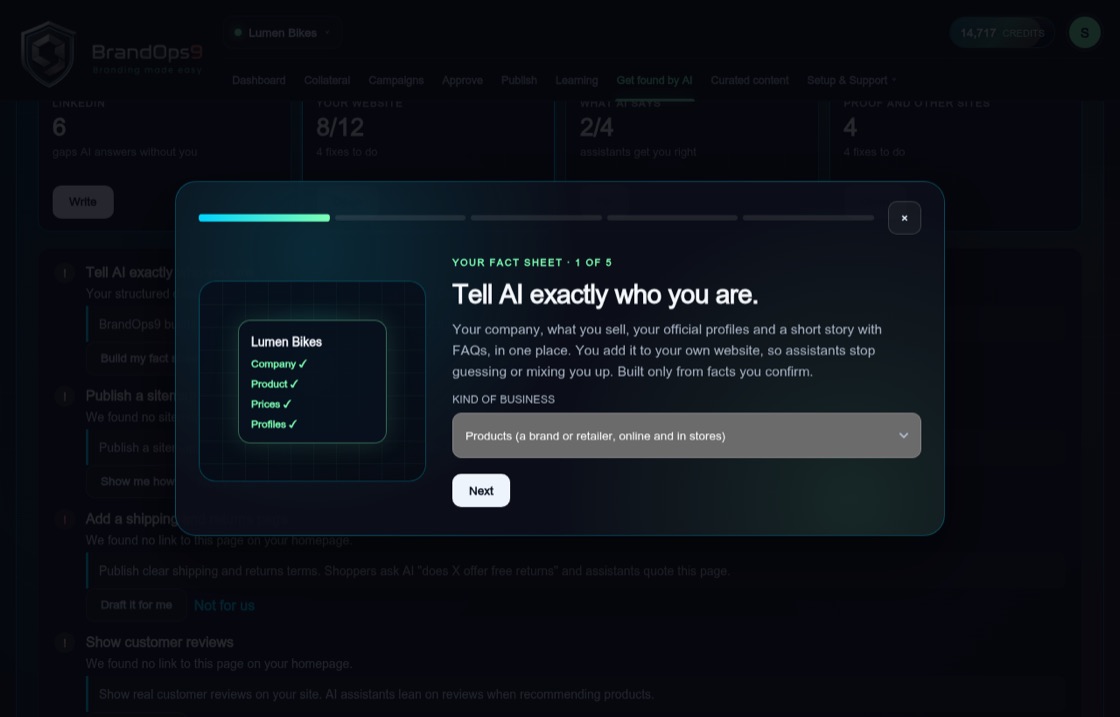
Why a fact sheet
AI assistants read your website. A fact sheet is a small, structured summary of who you are that they can read without guessing: what you do, where else to find you, your prices or address, a short description and your most common questions. It is hidden code on your site, plus an optional About and FAQ page people can read.
Build it step by step
In Get found by AI, choose "Build my fact sheet" from the website fixes. The fact sheet takes you through a few short steps:
- Kind of business: software, products, services or a local business. This decides which facts we ask for.
- Profiles: where else people can find you, such as LinkedIn.
- Prices (for software) or address and phone (for a local business).
- Your story: how AI should describe you, plus up to eight questions and answers. "Rewrite from my facts" writes a new version from your details.
Add it to your website
Choose how your site is built: WordPress, Webflow, Shopify, Wix, or "My web person" to email the instructions to whoever manages your site. Copy the code, or the About and FAQ page text, and add it. Then press "I've added it" and "Check it's live". When it is found you see "AI can now read exactly who you are."