
Help · Guide
Advanced: the power of the dashboard
Your brand's command center: readiness, what's covered for the week, what needs attention, and a jump-off to everything.
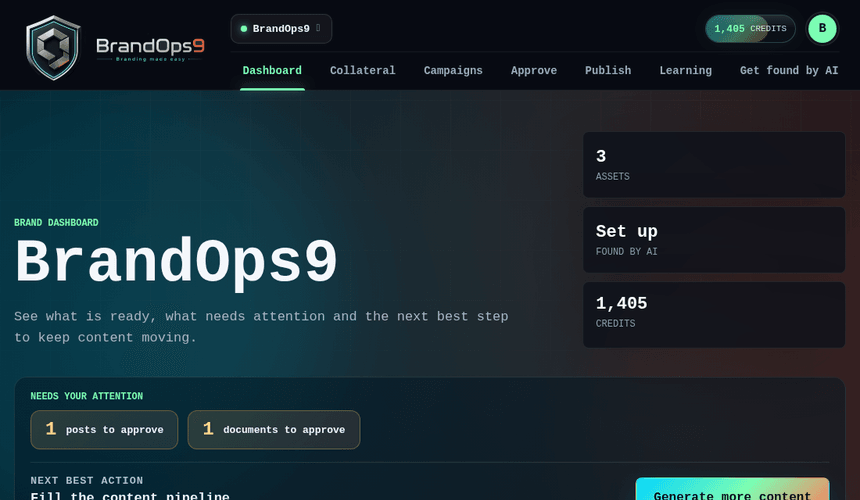
One screen that tells you where you stand
The dashboard is the first thing you see for a brand, and it's designed to answer one question fast: what should I do next? It pulls together your brand readiness, how much content is lined up, what's waiting on you, and recent activity, so you don't have to dig through five screens to get the picture.
Readiness and next best actions
At the top, a readiness signal shows how complete your brand setup and strategy are, because that's what drives content quality. When something's missing (no proof points, no connected platform, nothing scheduled), the dashboard calls it out with a direct action to fix it, so the gaps that quietly hurt your scores don't stay hidden.
Coverage for the week
A coverage view shows whether each channel has enough approved content lined up for the days ahead. Thin coverage is flagged early, long before you'd notice an empty calendar, so you can generate or approve more before there's a gap.
Your jump-off point
Every card on the dashboard links straight to the area it summarizes: approvals, the planner, connections, credits, learning. Treat it as home base: glance, act on what's flagged, and move on.