
Help · Guide
Connect LinkedIn
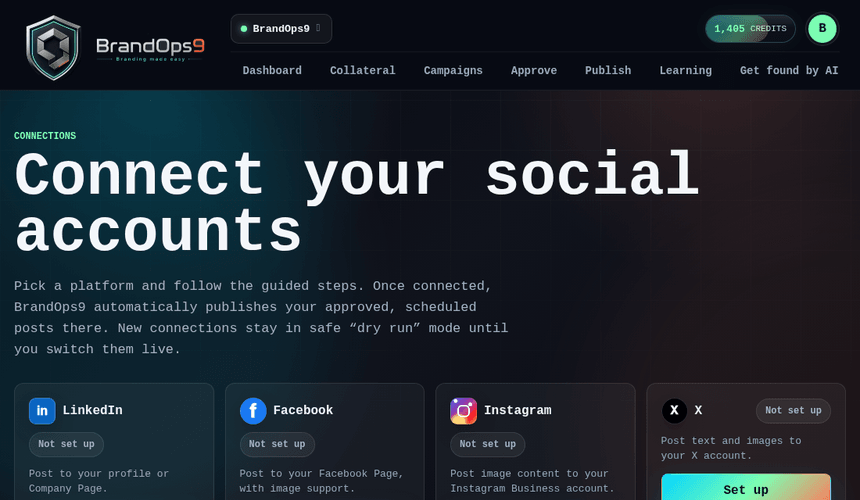
Post to your LinkedIn profile or Company Page: the developer-app steps, what it costs, and how to stay within LinkedIn's rules.
What you get & what it costs
Once connected, BrandOps9 publishes text posts (with an optional image) straight to your LinkedIn profile or a Company Page you administer.
LinkedIn's API is free; there is no cost to connect or publish.
Before you start
- A LinkedIn account. Posting to your own profile needs nothing else.
- To post as a Company Page: admin rights on that Page and Community Management API access. Development Tier is enough to connect and test.
Connect it, step by step
In BrandOps9 go to Setup → Connections → LinkedIn, then:
- Open the LinkedIn Developer Portal and click "Create app".
- Name the app and link it to your LinkedIn Page, then create it.
- On the app's "Products" tab, add "Sign In with LinkedIn using OpenID Connect" if it is not already listed. Every connection needs it, and it is granted straight away.
- On the same tab, add "Share on LinkedIn". That covers posting as a person.
- On the "Auth" tab, paste the redirect URL BrandOps9 shows you into "Authorized redirect URLs".
- Copy the Client ID and Client Secret from the Auth tab into BrandOps9, then click Connect and authorise.
Posting as a Company Page
A Company Page uses LinkedIn's Community Management API rather than the personal-profile products above:
- Make sure the Company Page exists and you are an admin of it.
- Create the developer app and link it to that Page. The Page you pick is the only one the app can post to.
- Get the app verified. LinkedIn generates a verification link a Page admin has to approve, and an unverified app cannot request anything.
- Add "Community Management API". Development Tier is sufficient for connecting and controlled testing.
- Confirm the Auth tab lists r_basicprofile, rw_organization_admin, w_organization_social and r_organization_social.
- Do not add the OpenID Sign In product just for this flow; Company Page connections do not request its openid, profile or email scopes.
- Request Standard Tier when you need higher-volume live use.
Stay within the rules (avoid getting blocked)
- Keep a human cadence. Roughly 1 post a day is plenty; flooding the feed looks automated.
- Post original, professional, on-brand content; LinkedIn's Professional Community Policies penalise spam, clickbait and misleading claims.
- Don't use engagement pods, mass-connect or auto-DM tactics; they're the fastest route to a restriction.
- Every post still passes through your approval (or your Autopilot quality bar) before it goes out, which keeps quality high.