
Help · Guide
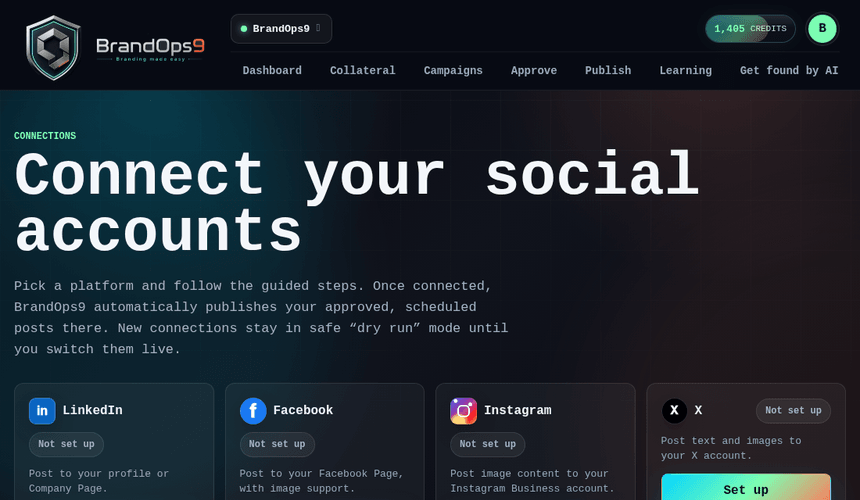
Connect Instagram
Publish image posts to your Instagram Business account: the Meta app steps (shared with Facebook), costs, and creator-account rules.
What you get & what it costs
BrandOps9 publishes image posts to an Instagram Business or Creator account. Instagram uses the same free Meta app as Facebook, so there's no cost to connect.
Every Instagram post needs an image; text-only assets are skipped.
Before you start
- An Instagram Business or Creator account (switching is free in Instagram settings).
- That account linked to a Facebook Page you administer.
- A Meta developer account (one-time registration). Testing as the linked Page's admin needs no App Review.
Connect it, step by step
In BrandOps9 go to Setup → Connections → Instagram, then:
- In the Instagram app, switch to Business/Creator and link it to your Facebook Page.
- Open developers.facebook.com → "My Apps" (finish the one-time registration if prompted).
- Create an app ("Other" → "Business"), then add "Facebook Login for Business".
- Paste the BrandOps9 redirect URL into Valid OAuth Redirect URIs and save.
- Copy the App ID and App Secret into BrandOps9 (same Meta app as Facebook), then Connect.
Stay within the rules (avoid getting blocked)
- Follow the Instagram Community Guidelines; post authentic, original content.
- Don't stuff captions with dozens of hashtags or reuse banned/irrelevant ones; it can shadow-limit your reach.
- Never buy followers or engagement; it risks action on the account.
- Keep a natural posting rhythm rather than many posts in quick bursts.