
Help · Guide
Set up your brand and strategy
Extract your brand from your website, refine your identity, and set the go-to-market strategy everything is built on.
Why this comes first
Everything BrandOps9 writes is built from two things: your brand profile (who you are and how you sound) and your go-to-market strategy (who you're for and what you're selling). Get these right and every post, document and campaign lands on-message; leave them thin and the quality scores stay low.
Start from your website
When you add a brand, paste your website URL. BrandOps9 reads your site and drafts a brand profile and a starting strategy for you, so you begin from real material, not a blank page.
Refine your brand identity
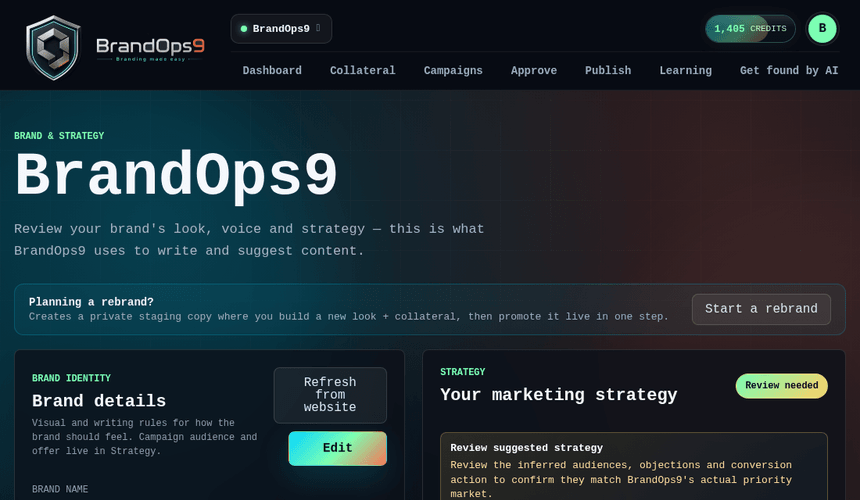
Open Brand Studio to review and tighten what was extracted.
- Tone of voice, key messages and words to use or avoid.
- Brand colours and logo (used by the brand kit on images).
- Proof points and differentiators: concrete facts the AI is allowed to cite.
Set your go-to-market strategy
In the Strategy section, make the essentials specific: your primary audience, your core offer, your positioning, the proof behind it, and the conversion action you want (the CTA and landing page). The more specific these are, the higher your content scores.