
Help · Guide
Advanced: your brand kit on every image
How BrandOps9 captures your colors, logo and fonts and applies them so generated visuals look unmistakably yours.
What the brand kit is
When you add a brand, BrandOps9 reads your words and captures your visual identity too: your primary and secondary colors, your logo, and your fonts. Together these are your brand kit, and they're what keep generated visuals on-brand instead of generic stock.
Applied to your content
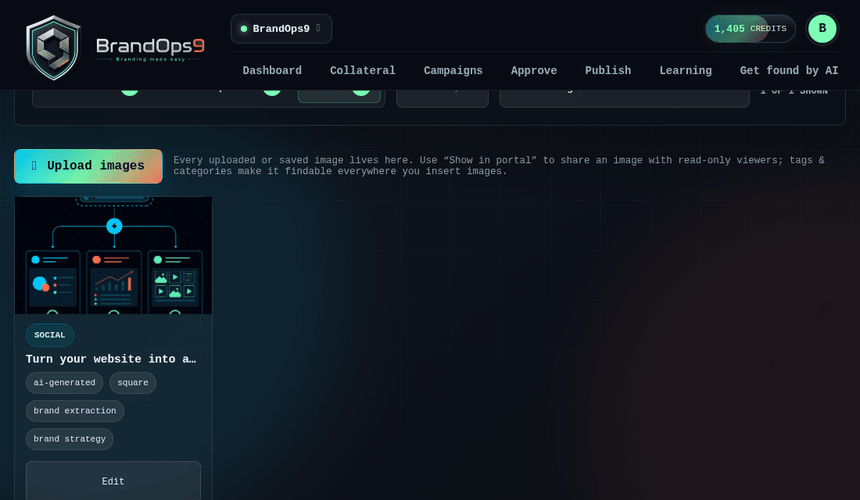
Generated images draw on the brand kit so the palette and feel match the rest of your presence. Approved images flow into your media library, where they're tagged, de-duplicated and reusable, so you build up a consistent, searchable set of on-brand visuals over time rather than one-off pictures.
Keeping it accurate
You can review and adjust the captured colors, logo and fonts in Brand Studio. If a rebrand changes your look, refreshing the brand (or rebranding via a staging copy) re-captures the kit so new content immediately reflects the new identity.