
Help · Guide
Approve, reject and request approval
The human gate before anything publishes: review drafts and documents, approve, reject, or send for someone else's sign-off.
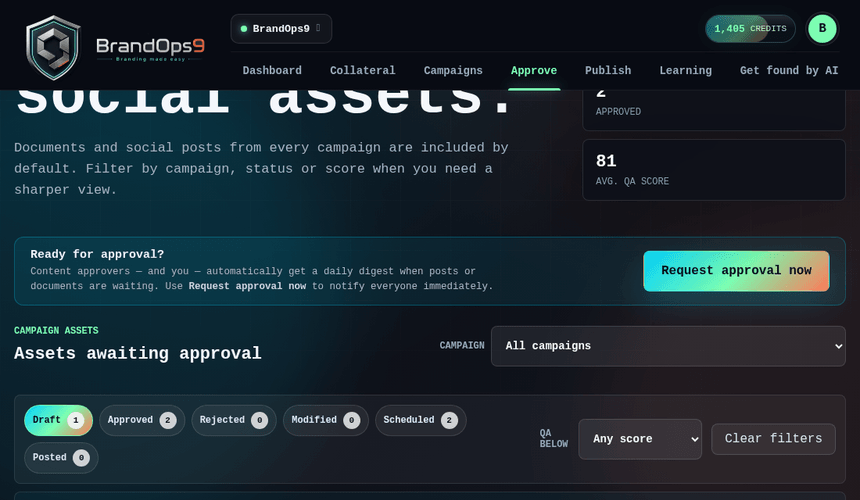
Nothing publishes without approval
Approval is the deliberate gate between “generated” and “published”. The Approve screen lists every post and document waiting for review, each with its brand-QA score (and campaign score where relevant) so you can judge quality at a glance.
Approve or reject
Approve readies a post for scheduling (or a document to go live). Reject sets it aside; a rejected item can't be reused as-is, so you'd create a new version to try again.
Modify before approving
Spot something to change? Use Modify to edit the copy or the cover. Saving creates a new version that re-enters approval, so the change is reviewed before it can publish.
Request approval from others
Working with a team or a client? Send items for sign-off, either to an Approver on your team or to a client via the secure review portal, where they sign in to approve (see “Share with clients”).